

Planning for retirement in Singapore means understanding your CPF balances, contributions, and how much you’ll actually receive when you stop working. The CPF retirement calculator is a free tool that helps you estimate your monthly payouts based on your current savings and future contributions. But many people don’t know how to use it properly or what the numbers really mean for their retirement lifestyle.
The CPF retirement calculator estimates your future CPF LIFE payouts based on current balances, monthly contributions, and voluntary top-ups. It shows three scenarios (low, medium, high) to help you plan realistically. Use it annually to track progress, adjust your savings strategy, and decide if you need additional investments or insurance. The calculator works best when combined with clear retirement goals and a realistic monthly expense budget.
What the CPF retirement calculator actually shows you
The calculator gives you three key numbers: your projected Retirement Account balance at age 55, your estimated Full Retirement Sum at age 65, and your monthly CPF LIFE payout from age 65 onwards.
These projections use your current CPF balances across all three accounts (Ordinary, Special, and MediSave) plus your expected monthly contributions until you turn 55.
The tool assumes you’ll continue earning your current salary with standard CPF contribution rates.
It also factors in the 4% interest on your Retirement Account and the first $60,000 of combined balances earning an extra 1%.
Most people focus only on the final payout number.
That’s a mistake.
The real value comes from understanding the assumptions behind that number and testing different scenarios.
How to access and use the calculator step by step
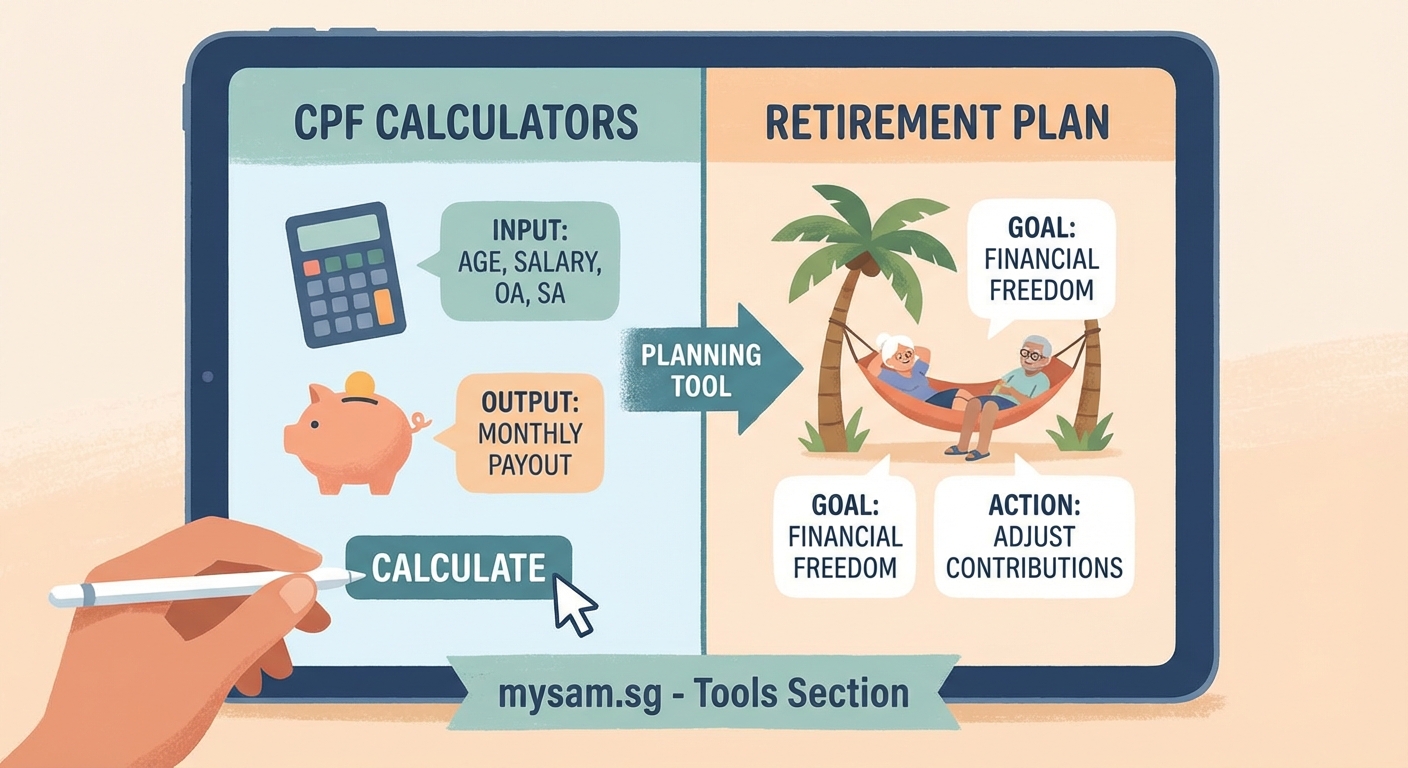
- Visit the CPF website and log in using your Singpass credentials to access personalized data.
- Navigate to the retirement planning section and select the retirement calculator tool.
- Review your pre-filled current balances to ensure they match your latest CPF statement.
- Enter your expected retirement age (default is 65 but you can adjust between 63 and 70).
- Choose whether to include voluntary contributions like cash top-ups or transfers from your Ordinary Account.
- Select your preferred CPF LIFE plan (Standard, Basic, or Escalating) to see different payout structures.
- Click calculate to view your projected balances and monthly payouts under three scenarios.
The calculator saves your inputs automatically when you’re logged in.
You can return later to update your assumptions as your career or savings habits change.
Take screenshots of your results each time you run the calculator.
This creates a simple tracking system to monitor your retirement readiness over the years.
Understanding the three projection scenarios
The calculator shows low, medium, and high estimates based on different salary growth assumptions.
The low scenario assumes your salary stays flat until age 55.
The medium scenario projects modest annual increases of around 2 to 3%.
The high scenario factors in stronger salary growth of 4 to 5% per year.
Most working adults should plan around the medium scenario.
It reflects realistic wage progression without being overly optimistic.
The low scenario serves as your safety net.
If you can afford your target retirement lifestyle on the low estimate, you’re in a strong position.
The high scenario is useful for understanding your best case outcome, but don’t base critical decisions on it alone.
Always plan your retirement using the medium or low scenarios. The high projection assumes consistent salary increases that many people don’t actually experience, especially after age 45 when career progression often slows down.
Common mistakes people make with the calculator

| Mistake | Why it matters | What to do instead |
|---|---|---|
| Using it only once at age 30 | Your career, salary, and life change significantly over 25 years | Run the calculator annually and after major life events |
| Ignoring the CPF LIFE plan selection | Different plans offer different payout structures and flexibility | Compare all three plans to see which matches your needs |
| Forgetting housing loan repayments | Using OA for property reduces your retirement savings | Factor in how much OA you’ll use for housing before 55 |
| Not testing voluntary contributions | Small monthly top-ups can significantly boost final payouts | Run scenarios with $100, $200, or $500 monthly cash top-ups |
| Assuming you’ll work until 55 | Career disruptions, health issues, or retrenchment happen | Test what happens if you stop contributing at 50 or 52 |
The calculator doesn’t account for major life changes like career breaks, part-time work transitions, or early retirement.
You need to manually adjust your inputs to model these scenarios.
Many people also forget that their CPF balances at 55 get transferred to the Retirement Account, but only up to the Full Retirement Sum.
Any excess stays in your Special Account or Ordinary Account, where you can withdraw it.
How to set realistic retirement income goals
Start by calculating your expected monthly expenses in retirement.
Most financial planners suggest you’ll need 70 to 80% of your current income to maintain your lifestyle.
But this varies widely based on whether you own your home, have dependents, or plan to travel extensively.
List your fixed costs: property tax, utilities, phone bills, insurance premiums, and regular medical expenses.
Add variable costs like food, transport, entertainment, and occasional healthcare needs.
Don’t forget annual expenses like property maintenance or family gatherings.
Divide your total annual expenses by 12 to get your monthly retirement budget.
Now compare this number to your projected CPF LIFE payout from the calculator.
If there’s a gap, you have three options: increase your CPF contributions through voluntary top-ups, build additional savings through investments, or reduce your expected retirement expenses.
Many Singaporeans use CPF LIFE payout plans explained: which one maximizes your retirement income to understand how plan selection affects their monthly income.
When voluntary contributions make sense
The calculator lets you test the impact of cash top-ups to your Special Account or Retirement Account.
These contributions earn 4% interest risk-free and qualify for tax relief up to $8,000 per year.
If you’re in your 30s or early 40s, even $200 monthly can add tens of thousands to your retirement balance.
The compound interest effect is powerful over 20 to 25 years.
But voluntary contributions lock your money until retirement age.
You can’t withdraw it for emergencies or other financial goals.
This makes them suitable only after you’ve built a solid emergency fund and cleared high-interest debt.
Run the calculator with different monthly top-up amounts to see the exact impact on your projected payouts.
Compare this to what you might earn investing the same amount in other vehicles like robo-advisors or unit trusts.
For conservative savers who prioritize guaranteed returns, CPF top-ups often win.
For those comfortable with market risk and seeking higher growth, how to start investing in Singapore with just $100 a month might complement your CPF strategy better.
How housing decisions affect your retirement calculations
Using your Ordinary Account to pay your mortgage reduces the money available for retirement.
The calculator uses your current OA balance, but this balance will drop significantly if you’re servicing a housing loan.
Let’s say you have $80,000 in your OA at age 35.
If you use $50,000 for a property down payment, your retirement projections will look very different.
The calculator can’t predict future property purchases or loan repayments.
You need to estimate how much OA you’ll use for housing between now and age 55, then manually reduce your starting OA balance in the calculator.
This gives you a more realistic retirement picture.
Some people choose to repay their housing loans with cash instead of CPF after age 45.
This preserves their OA balance for retirement, though it requires strong cash flow.
Test both scenarios in the calculator to see which approach better supports your retirement goals.
Combining CPF projections with other retirement income
CPF LIFE provides a baseline, but most people need additional income sources for a comfortable retirement.
These might include investment portfolios, rental income from property, or part-time work after 65.
The calculator focuses only on CPF, so you’ll need to track other income separately.
Create a simple spreadsheet with three columns: CPF LIFE payout, investment income, and other sources.
Add them up to see your total projected monthly retirement income.
This comprehensive view helps you decide how aggressively to save or invest outside CPF.
If your CPF payout already covers basic expenses, you can afford to take more risk with other investments for lifestyle upgrades.
If there’s a significant gap, you might need to boost your savings rate or consider 15 high-paying side hustles in Singapore that actually work to accelerate your retirement fund.
What to do if your projections fall short
Seeing a low projected payout can be stressful, but it’s better to know now than at age 64.
You have several options to close the gap.
First, maximize your CPF contributions by ensuring you’re earning enough to hit the annual contribution caps.
If you’re self-employed or earning variable income, consider making voluntary MediSave contributions to build your retirement base.
Second, review your spending and look for areas to cut. Even 11 proven ways Singaporeans are cutting their monthly expenses by $500 or more can free up cash for retirement savings.
Third, focus on increasing your income through career advancement or how to negotiate a higher salary in Singapore: a step-by-step guide for 2026.
Higher salaries mean higher CPF contributions, which directly boost your retirement account.
Fourth, delay your retirement age by a few years.
Working until 67 instead of 65 gives your CPF balance more time to grow and reduces the number of years you’ll need to fund.
Finally, consider downsizing your property in retirement to unlock cash, or explore rental income options if you own multiple properties.
How often you should review your retirement plan
Run the calculator at least once a year, ideally around your birthday or at the start of each year.
This creates a consistent tracking rhythm.
Also check your projections after major life events: job changes, promotions, property purchases, marriage, or having children.
Each of these significantly impacts your CPF contributions and balances.
Keep a simple log of your projected retirement payout over time.
If the number is trending down instead of up, investigate why.
Are you using too much OA for housing? Has your salary growth stalled? Have you stopped making voluntary contributions?
Identifying the cause helps you course-correct before it’s too late.
Many people also benefit from professional financial planning reviews every three to five years.
A certified financial planner can help you integrate your CPF projections with insurance, investments, and estate planning.
Making retirement planning less overwhelming
The CPF retirement calculator is just one tool in your financial planning toolkit.
Use it to establish your baseline retirement income, then build your broader plan around that foundation.
Start with small steps: log in and run your first calculation this week, save your results, and set a calendar reminder to check again in 12 months.
If your projections look good, celebrate that and stay consistent with your current approach.
If there’s a gap, pick one action to implement this month, whether that’s setting up a monthly CPF top-up, building a 6-month emergency fund in Singapore on any salary, or reviewing your spending habits.
Retirement planning isn’t about perfection.
It’s about making informed decisions with the information you have and adjusting as you go.
The calculator gives you the numbers. Your job is to turn those numbers into a plan that fits your life, your goals, and your definition of a comfortable retirement.