
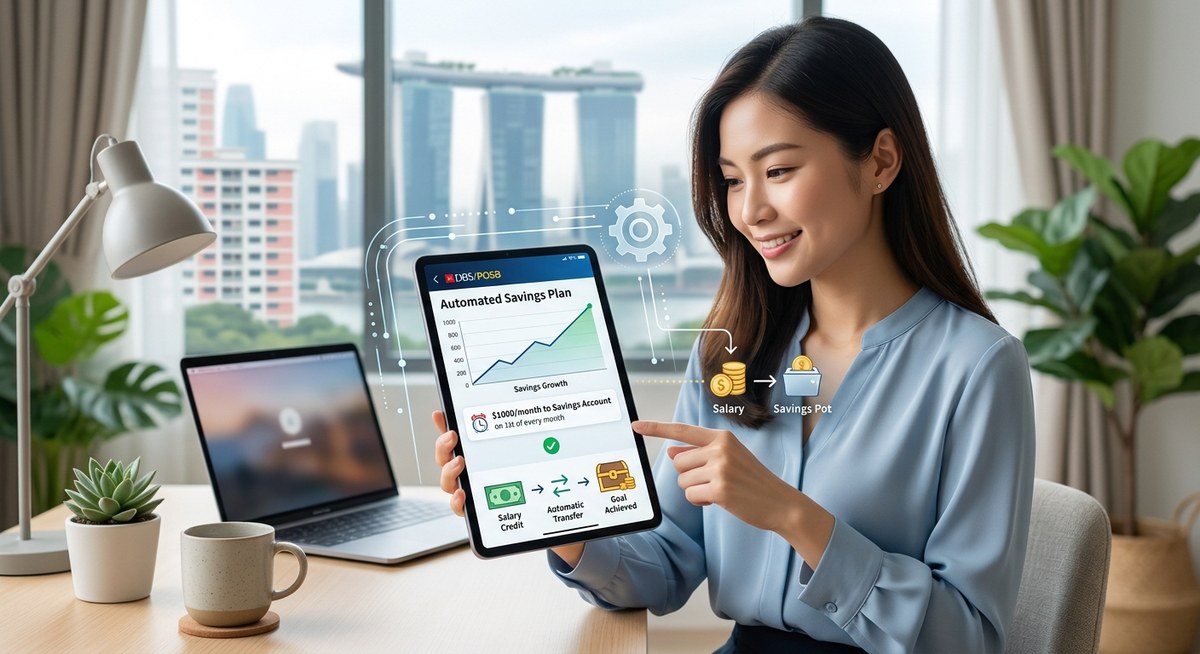
Telling yourself you will transfer money to savings at the end of each month is a setup for failure. Life gets in the way. That GrabPay top-up, that sudden bubble tea run with colleagues, that “treat yourself” weekend at Jewel. Before you know it, the month is gone and your savings account looks exactly the same as it did on day one. The fix is not more discipline. The fix is removing yourself from the equation entirely. When you automate your savings, you stop relying on willpower and start relying on a system that works whether you remember it or not.
Automating your savings in Singapore means you never have to remember another transfer. By setting up GIRO instructions, splitting your salary between accounts, and using tools like DBS Multiplier, OCBC 360, or robos like Endowus, you redirect money before you can spend it. This guide walks you through every step, from choosing the right account to avoiding common mistakes that cost you interest.
Why Automating Changes Everything
Saving manually is like trying to lose weight while keeping a secret stash of snacks at your desk. You fight yourself every single time. Automation removes that fight. The money leaves your spending account before you even wake up. You adapt to living on less without feeling the pinch.
In Singapore, we have some of the best banking infrastructure in the world for this. GIRO transfers are free. PayNow is instant. Most banks let you set up recurring transfers in under three minutes. There is no excuse to leave your savings to chance.
Blockquote from a financial planner:
“The single biggest factor that determines whether someone hits their savings goal is not income. It is whether the savings happen before spending. Automation is the only reliable way to guarantee that.” – Personal finance advisor based in Singapore
How the “Pay Yourself First” Rule Actually Works
Pay yourself first means your savings get treated like a bill. Not a suggestion. Not a leftover. A bill. When you automate, that bill gets paid the same day your salary hits your account.
Here is why this matters in the Singapore context. Our cost of living is high. Rent, transport, food, insurance. If you wait until after all those expenses to save, there is often nothing left. But if you siphon off 10 or 20 percent the moment your salary arrives, your spending naturally shrinks to fit what remains.
Step by Step: Setting Up Your Automated Savings System
Let me walk you through the exact process. You can do this in one sitting. Grab your phone or laptop and follow along.
Step 1: Pick the Right Savings Account
Not all savings accounts are the same. In Singapore, you want an account that rewards you for saving consistently. Look for accounts with bonus interest tiers that require monthly deposits or a minimum balance.
Here are the accounts worth considering in 2026:
| Account | Best For | Key Requirement |
|---|---|---|
| DBS Multiplier | People with salary crediting + credit card spend | $3,000 monthly salary + 3 eligible categories |
| OCBC 360 | Steady savers who want simplicity | $500 monthly deposit + 3 GIRO transactions |
| UOB One | High balance savers | $1,000 monthly spend on UOB card + $500 deposit |
| CIMB FastSaver | No fuss, no salary requirement | No minimum balance, lower interest but straightforward |
| GXS Bank Savings | Flexible goals with decent rates | No minimum, app based, 3 month lock in for bonus |
If you already have a salary account with DBS or OCBC, setting up automation with their multi-tier accounts is the path of least resistance. You earn bonus interest simply for moving money in.
Step 2: Choose Your Automation Method
You have three good options in Singapore. Pick the one that fits your habits.
-
GIRO from your bank account. This is the old school method and it still works perfectly. Log into your bank’s internet banking portal, set up a recurring GIRO transfer from your current account to your savings account. Choose a date. Repeat. Done. GIRO is free and reliable.
-
Salary split with your employer. Many companies in Singapore allow you to split your salary across multiple bank accounts. Ask your HR if they support this. You can direct 10 percent straight into your savings account before you ever see the rest in your spending account. This is the most powerful method because the money never touches your daily balance.
-
App based recurring transfers. If you use DBS PayLah, OCBC Digital, or UOB TMRW, you can set up recurring transfers inside the app. These are instant and free. The only catch is you need to remember to check that the transfer went through each month.
Step 3: Set a Date and Stick to It
Pick a date that falls right after your salary arrives. If you get paid on the 25th, set your transfer for the 26th. Do not give yourself even a one day gap. The longer money sits in your spending account, the higher the chance you spend it.
Set up a recurring calendar reminder on your phone for the 1st of every month to check that the transfer happened. This takes ten seconds but prevents drift.
Step 4: Send Your Savings to the Right Destination
Where should your automated money go? It depends on your goal.
- Emergency fund: Send money to a high interest savings account like OCBC 360 or CIMB FastSaver. Do not touch this unless you have a real emergency.
- Investment account: If your emergency fund is full, send your monthly savings to a brokerage account or a robo advisor like Endowus, Syfe, or StashAway. Set up a recurring buy order so the money gets invested automatically.
- Specific goal (travel, renovation, wedding): Open a separate savings account or use GXS Bank’s goal based pockets. Name the account “Osaka 2027” or “HDB Reno.” It sounds silly but naming your goals makes you less likely to raid the account.
A good rule of thumb is to split your automated savings like this:
- 50% to high interest savings (emergency fund and short term goals)
- 30% to investments (robos, ETFs, or Singapore Savings Bonds)
- 20% to CPF Special Account top ups (tax relief + retirement growth)
Common Automation Mistakes That Cost You Money
Even good systems can have weak spots. Here are the mistakes I see Singaporeans make most often.
| Mistake | Why It Hurts | How to Fix It |
|---|---|---|
| Saving too aggressively | You run out of cash before month end and cancel the transfer | Start with 5 or 10 percent. Increase slowly over 6 months. |
| Using the same account for bills and savings | You accidentally spend your savings on a utility bill | Use a separate bank account for savings only. No ATM card for that account. |
| Forgetting to increase the amount over time | Your income grows but your savings stay flat | Set a biannual reminder to review and raise your monthly transfer by 5 to 10 percent. |
| Parking savings in a zero interest account | Inflation eats your buying power | Move your savings to a high interest account or invest through a robo advisor. |
| Not having an emergency fund before investing | You might need to sell investments at a loss if something goes wrong | Build 3 to 6 months of expenses in a savings account before you start investing. |
What to Do When You Miss a Deposit
Even automation can break. Maybe you switched banks. Maybe your GIRO instruction expired. Maybe your account balance was too low to complete the transfer.
Do not panic. Here is the recovery plan.
First, check why it failed. Log into your bank account and look for failed transaction alerts. Most banks in Singapore send an SMS or push notification if a GIRO transfer bounces.
Second, top up manually this month. Transfer the amount you missed plus the current month’s deposit in one go. Yes, this requires a bit of willpower. But one manual month will not break your system.
Third, review your automation settings. Did the date change? Did you close an old account? Fix the instruction so it runs again next month without issue.
Tools and Apps That Make Automation Effortless
Singapore has a strong fintech ecosystem. You do not need to do everything through your bank.
- Endowus lets you set up recurring investments into unit trusts and ETFs with no transaction fees. You can automate a monthly buy of a global equity portfolio.
- Syfe offers a recurring deposit feature. Pick an amount, pick a frequency, and the app invests your money into a prebuilt portfolio.
- StashAway has a simple recurring transfer option. Their “Set and Forget” system is designed for exactly this purpose.
- GXS Bank allows you to create multiple savings pockets with separate goals. Each pocket can have its own recurring top up.
- Singtel Dash offers a basic savings feature with recurring transfers, though the interest rates are lower than bank accounts.
If you want a deeper comparison of these platforms, check out our guide on top 5 digital tools to boost your savings rate in Singapore.
How to Automate Your CPF and SRS Contributions
Automation is not just for bank accounts. You can also automate your CPF Voluntary Contributions and your Supplementary Retirement Scheme (SRS) top ups.
For CPF, log into the CPF Board website and set up a monthly GIRO instruction from your bank account. Any amount you contribute above your mandatory contributions earns you tax relief. The cap is $8,000 per year for Special Account or MediSave Account top ups.
For SRS, contact your SRS bank (DBS, OCBC, or UOB) and set up a recurring deposit instruction. Contributions are tax deductible up to $15,300 per year for Singapore citizens. This is one of the most powerful tax saving moves available to you.
If you automate these contributions, you claim the tax relief without any extra paperwork. The money leaves your account, reduces your taxable income, and grows for retirement.
When to Review Your Automation System
Set a twice a year check in. Schedule it for June and December. Here is what to review:
- Did your income change? If you got a raise, increase your automated savings amount.
- Did your goals change? If you paid off your study loan, redirect that monthly amount to savings.
- Are your accounts still competitive? Banks change their interest rates often. Compare your current account with the best options in the market. Our guide on DBS Multiplier vs OCBC 360 can help you decide if a switch makes sense.
- Is your emergency fund still adequate? If your rent went up or you added a new insurance premium, recalculate your target.
A fifteen minute review every six months keeps your automation system running efficiently.
The Hidden Benefit of Automation: Less Stress
Here is something no one talks about. When you automate your savings, you stop worrying about money. The system handles the hard part. You free up mental energy for things that actually matter, like your career, your relationships, and your health.
Stress about saving money is a silent drain on your quality of life. Automation removes that stress. You know the money is moving. You know the account is growing. You do not have to think about it.
Start small if you need to. Set up a $50 monthly transfer today. Just get the first one running. You can increase it later. The hardest part is starting. After that, the system does the work.
Your Action Plan for This Week
Here is your to do list. Complete these steps in the next seven days.
- [ ] Choose one savings account from the table above. If you already have one, confirm it still meets your needs.
- [ ] Set up a recurring transfer for the day after your salary arrives. Start with 10 percent of your take home pay.
- [ ] Name the savings account after a specific goal. “Emergency Fund” or “Osaka Trip 2027.”
- [ ] If your employer supports salary splitting, submit the request to HR.
- [ ] Set a phone reminder for six months from now to review your system.
That is it. Five actions. Less than an hour of total effort. After that, your savings happen automatically.
Making Your System Inflation Proof
One concern I hear often is that automated savings might not keep up with rising costs. This is a fair point. If you set a fixed dollar amount in 2026 and never change it, inflation will slowly eat away at your real savings rate.
The fix is simple. Link your automated amount to your income. If you get a 5 percent raise, increase your transfer by 5 percent. Better yet, increase it by 7 percent so your savings rate actually goes up over time.
If you are investing through a robo advisor, consider setting up a recurring monthly investment rather than a recurring transfer to a savings account. Over a ten year period, the compounding from investments will outpace inflation. Our article on dollar-cost averaging in Singapore explains why this approach works so well.
Final Thoughts: Let the Machine Do the Heavy Lifting
You do not need to be a financial genius to build wealth in Singapore. You just need a system that removes you from the decision loop. Set up the automation once. Let it run. Check in twice a year. That is the whole strategy.
The people who succeed at saving are not the ones with superhuman willpower. They are the ones who set up a GIRO instruction and then went back to living their lives. You can be one of those people. Open your banking app right now and set up your first automated transfer. It takes three minutes. Your future self will thank you.