

You’re leaving money on the table. That’s not a guess. Most Singaporeans juggle three or more credit cards, each with different cashback categories, spending caps, and reward structures. Without a system to track everything, you’ll miss out on hundreds of dollars every year. The solution isn’t getting fewer cards. It’s using cashback rewards tracking tools that do the heavy lifting for you.
Cashback rewards tracking tools help you monitor spending across multiple credit cards, maximize category bonuses, avoid missing caps, and ensure you never lose points to expiry. The best systems combine automated tracking with manual oversight, giving you complete visibility into every dollar you earn back. Start with a simple spreadsheet or app, then scale up as your card portfolio grows.
Why tracking your cashback matters more than you think
Most people apply for credit cards based on sign-up bonuses. They chase the initial reward, then forget about the ongoing earning structure.
That’s backwards.
The real value comes from consistent optimization over months and years. A card offering 4% on groceries only delivers if you actually use it at the supermarket. Your 8% dining card sits useless in your wallet if you keep swiping your default card out of habit.
Tracking solves this. You’ll know exactly which card to pull out before the cashier scans your first item. You’ll spot when you’re approaching spending caps. You’ll catch expiring points before they vanish.
The difference between tracking and not tracking can easily reach $500 to $1,000 annually for an average household. That’s a weekend getaway or several months of groceries.
What makes a good tracking system
Not all tracking methods work equally well. Some create more work than they save. Others miss critical details that cost you money.
A solid tracking system needs these elements:
- Real-time visibility into current spending by category
- Alerts before you hit monthly or quarterly caps
- Expiry date tracking for points and miles
- Easy input method that doesn’t require 20 minutes per transaction
- Clear reporting that shows which cards perform best
- Flexibility to adjust as you add or cancel cards
The best system is the one you’ll actually use. A complex Excel model with 47 formulas might be powerful, but if updating it feels like homework, you’ll abandon it within weeks.
Spreadsheet tracking for complete control
Spreadsheets remain the most flexible option. You own your data. You customize everything. You’re not locked into someone else’s categories or card database.
Here’s how to build a functional tracking sheet in under 30 minutes:
- Create columns for date, merchant, amount, card used, category, and cashback earned
- Add a reference table listing each card’s earning rates by category
- Use formulas to calculate cashback automatically based on card and category
- Set up conditional formatting to highlight when you’re near spending caps
- Create a summary dashboard showing month-to-date earnings by card
The maintenance burden is real. You’ll need to log transactions regularly. Most people batch-enter weekly, reviewing credit card apps or statements to capture everything.
Google Sheets works better than Excel for this purpose. You can access it from your phone while standing in line, making it easier to log purchases immediately. The mobile app lets you add rows on the go.
Apps that automate the boring parts
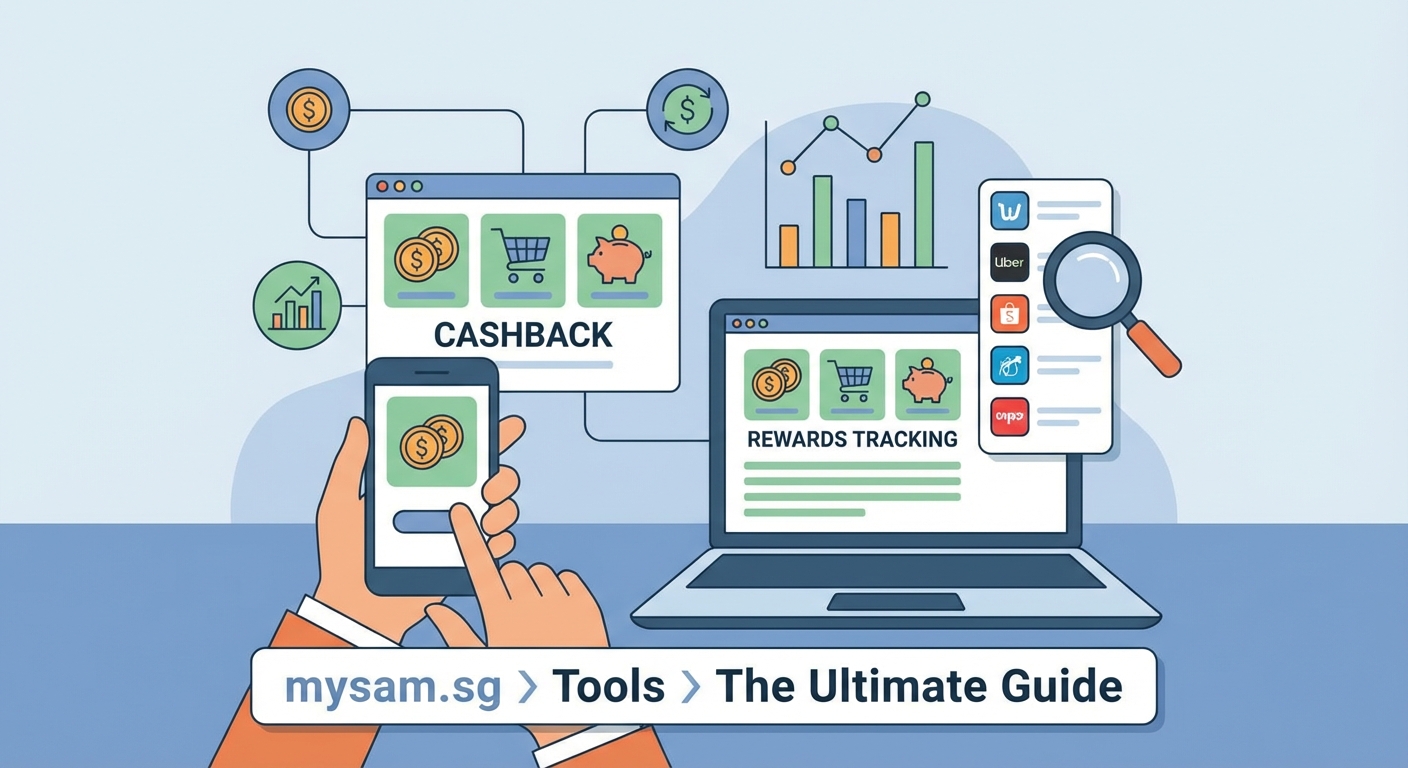
Several apps connect directly to your credit cards and track spending automatically. This eliminates manual entry, which is the biggest barrier to consistent tracking.
Popular options in Singapore include:
- Seedly tracks spending across linked cards and highlights best cards for each purchase
- Singsaver offers a rewards tracker showing points balances and expiry dates
- CardsPal suggests optimal cards based on your spending patterns
- Revolut provides built-in analytics for cards issued through their platform
The tradeoff is reduced customization. These apps work within predetermined categories and card databases. If your card isn’t supported or a promotion isn’t in their system, you’ll miss optimization opportunities.
Security matters here. You’re granting access to financial accounts. Stick with established apps that use bank-level encryption and read-only access. Never share your actual card numbers or PINs.
The hybrid approach that works best
Combining automated tracking with manual oversight gives you the best of both worlds.
Let apps handle the daily transaction logging. They’ll capture 90% of your spending without any effort from you. Then use a simple spreadsheet to track the exceptions and optimizations apps miss.
Your manual spreadsheet should focus on:
- Special promotions not in the app database
- Spending caps and progress toward them
- Points expiry dates across all programs
- Annual fee dates and whether cards are worth keeping
- Sign-up bonus requirements and progress
This takes maybe 15 minutes per week. You’re not duplicating the app’s work. You’re adding the strategic layer that automation can’t provide.
Common tracking mistakes that cost you money

Even people who track their rewards make predictable errors. Avoiding these saves significant money.
| Mistake | Why it hurts | Better approach |
|---|---|---|
| Tracking only cashback, ignoring miles | Miles often have higher value when redeemed strategically | Convert miles to dollar value for fair comparison |
| Forgetting about minimum spend | Some cards require $500 monthly spend to earn cashback | Set calendar reminders before statement closes |
| Not updating for card changes | Banks modify earning rates and caps frequently | Review card terms quarterly |
| Ignoring small purchases | $3 coffee purchases add up to hundreds monthly | Track everything or use percentage-based estimates |
| Trusting bank statements alone | Banks sometimes miscalculate or miss transactions | Cross-check with your own records monthly |
The minimum spend requirement catches many people. You think you’re earning 1.5% cashback, but because you only spent $380 that month, you actually earned zero. That’s $5.70 lost on a single card in a single month.
Multiply that across multiple cards and 12 months, and you’re looking at real money disappearing.
Setting up alerts and reminders
Your tracking system only works if you actually check it. Automation helps, but strategic reminders make the difference.
Set these recurring alerts:
- Weekly reminder to review spending and upcoming purchases
- Five days before statement close to check minimum spend requirements
- Monthly alert to verify points posted correctly
- Quarterly reminder to review card performance and consider changes
- Annual notification for each card’s renewal date
Most people use their phone’s calendar or a dedicated reminder app. The key is making alerts actionable. “Check credit cards” is too vague. “Verify OCBC 365 hit $800 grocery cap” tells you exactly what to do.
“I set a recurring task for the 25th of each month to review all my cards. Takes 10 minutes. I’ve caught three bank errors in the past year, saving about $180 in missing cashback. The system paid for itself in month one.” — Reddit user on r/singaporefi
Optimizing based on your tracking data
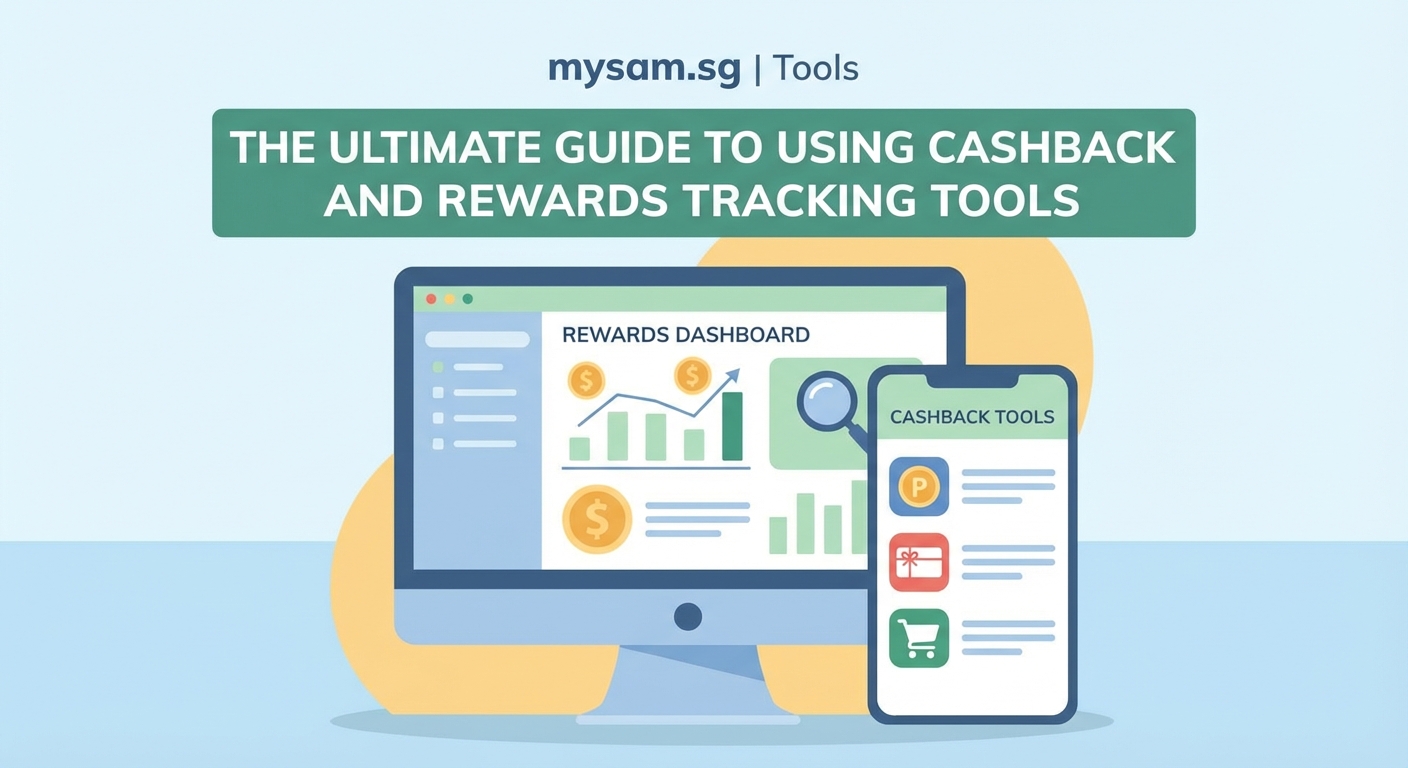
Data without action is just numbers. The real value comes from using your tracking insights to make better decisions.
After three months of tracking, you’ll see clear patterns:
- Which cards you actually use versus which ones sit idle
- What categories dominate your spending
- Whether premium cards justify their annual fees
- Which promotions you consistently miss or forget
Use this to optimize your card portfolio. Cancel cards that aren’t earning their keep. Apply for cards that match your actual spending, not your imagined spending. Adjust payment methods for recurring subscriptions to maximize category bonuses.
One common discovery is that dining spending is much higher than expected. If your tracking shows $800 monthly on restaurants and you’re using a general 1% card, switching to a dining-focused card could earn an extra $56 per month. That’s $672 annually from one small change.
Tracking points expiry and redemption
Earning rewards is only half the battle. You need to actually redeem them before they expire.
Singapore banks have varying expiry policies:
- DBS and POSB points typically expire after five years
- OCBC 365 cashback expires if account is closed
- Citi rewards points expire after five years of inactivity
- AMEX Membership Rewards don’t expire while account is active
Your tracking system should include a dedicated expiry tracker. List every points balance with its expiry date. Sort by soonest expiring first.
Set alerts 60 days before expiry. That gives you time to plan redemptions or transfer points to partners with better expiry terms.
Many people lose points because they’re waiting for a big redemption. They want to save up for a business class flight or expensive item. Then 50,000 points expire while they’re still accumulating.
Better approach: redeem smaller amounts more frequently. Use cashback for statement credits. Convert points to vouchers you’ll actually use. The best redemption is the one that happens before expiry.
Handling multiple users and shared cards
Couples and families face extra tracking complexity. Multiple people use the same cards, making it harder to know who spent what and whether you’re optimizing properly.
Shared tracking works best with these practices:
- Use a shared Google Sheet both people can access and update
- Assign each person responsibility for specific cards
- Have a weekly five-minute sync to review upcoming purchases
- Use different cards for individual versus shared expenses
- Set up automatic transaction exports from banking apps
The biggest challenge is ensuring both people know which card to use when. A simple reference card in each person’s wallet helps. List common merchants and the optimal card for each.
For example: “NTUC = OCBC 365, Grab = Citi Rewards, Restaurants = DBS Altitude”. This prevents the common problem where one person uses the wrong card because they don’t remember the earning structure.
When to upgrade your tracking system
Start simple. A basic spreadsheet or single app handles most people’s needs for the first year.
You’ll know it’s time to upgrade when:
- You’re managing five or more credit cards
- You’re missing caps or expiry dates despite tracking
- Manual entry takes more than 20 minutes weekly
- You can’t quickly answer which card to use for a purchase
- You’re losing track of promotional earning rates
Upgrading might mean moving from spreadsheet to app, or from single app to multiple specialized tools. Some people build custom solutions using tools like Notion or Airtable.
The goal isn’t complexity. It’s having exactly the right amount of structure to maximize earnings without creating a second job for yourself.
Making tracking a habit that sticks
The best tracking system fails if you don’t use it consistently. Building the habit matters more than choosing the perfect tool.
Start with the smallest viable version. Track just one card for one month. Get comfortable with the process before expanding.
Link tracking to an existing habit. Review your cards every Sunday morning with your coffee. Check your tracking sheet right after paying your credit card bill.
Make it satisfying. Calculate your monthly cashback total and celebrate it. Seeing that you earned $127 this month makes the 15 minutes of tracking feel worthwhile.
If you miss a week, don’t abandon the system. Just catch up and continue. Perfection isn’t the goal. Consistent improvement is.
Your rewards are waiting for you
Thousands of dollars in cashback and rewards are already yours. They’re sitting in your spending patterns, waiting for you to claim them through better tracking.
The tools exist. The methods work. The only missing piece is your decision to start.
Pick one tracking method today. Set it up this week. Use it for one month. You’ll see the difference in your next statement, and you’ll wonder why you waited so long to take control of your rewards.